
Recently, I received a request to export couple GPOs from our domain to a customer’s domain. This common practice avoids spending time to re-create the same GPOs twice in different domains. Let’s get started!
Export GPO
From the current domain, launch Group Policy Management console. Then scroll down to Group Policy Objects.
Right click on the GPO and select Back Up…

Specify the location to save the GPO. You may also fill in the description field.
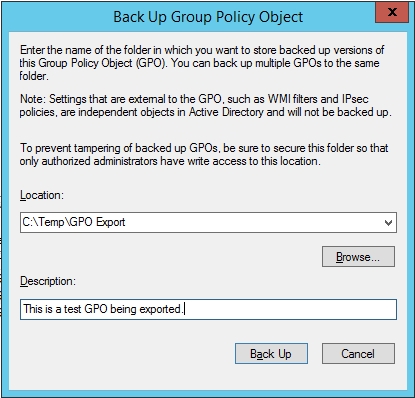
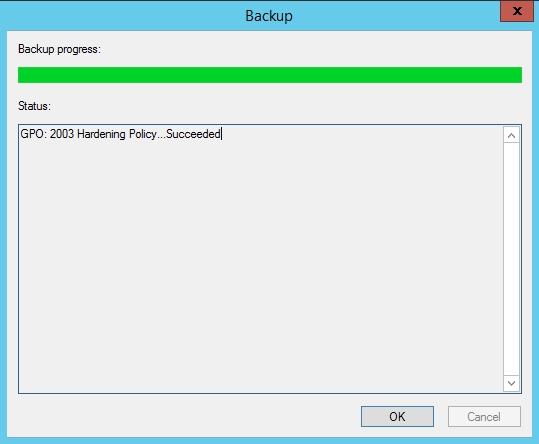
Follow your normal procedure and transfer the exported GPO(s) to your destination domain.
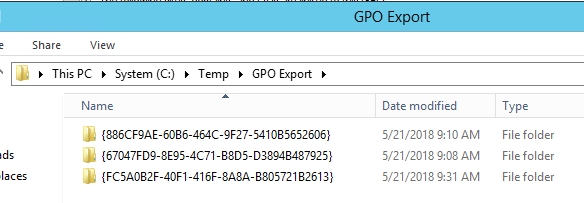
Import GPO
At the destination domain, importing GPO is a two-step process.
Step 1
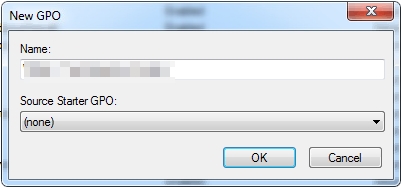
From the destination domain, launch Group Policy Management console. Then scroll down to Group Policy Objects. Right click Group Policy Objects and select New.
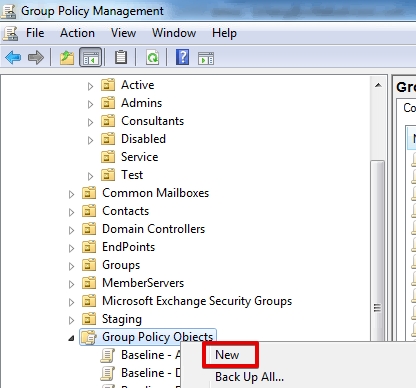
You can name it the same as your exported GPO, or name it differently.
Step 2
Right click on the newly created GPO and select Import Settings…

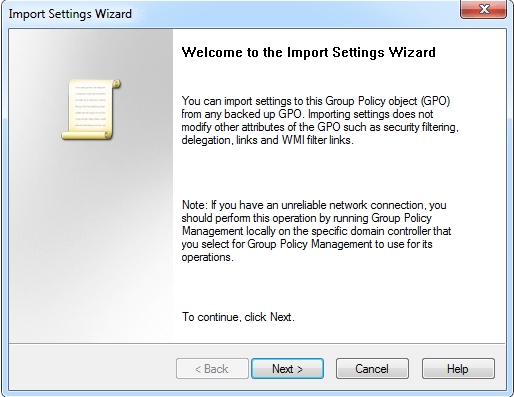
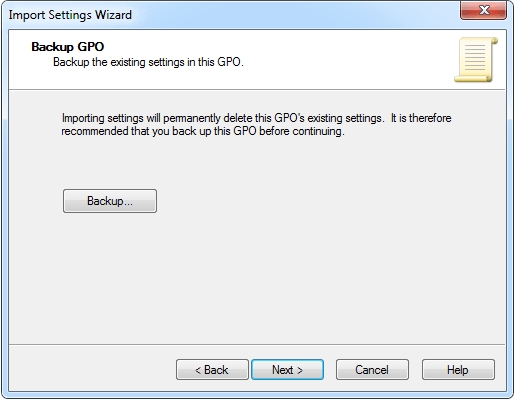
Specify the location where the exported GPO(s) was saved to. Note that you cannot specify the GPO itself in this step just yet.
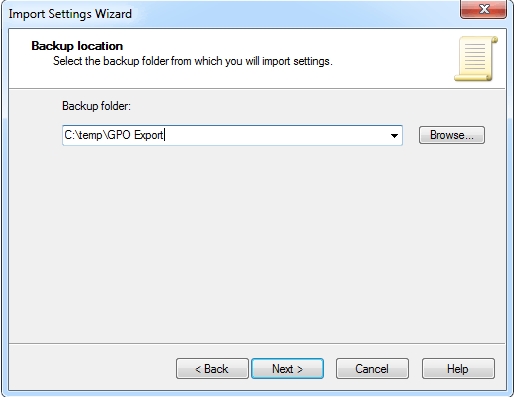
Select the backed up GPO to import.
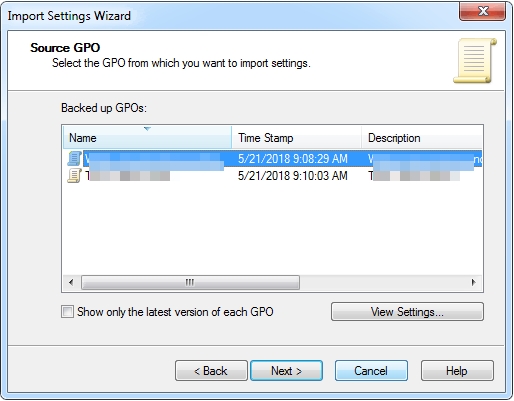
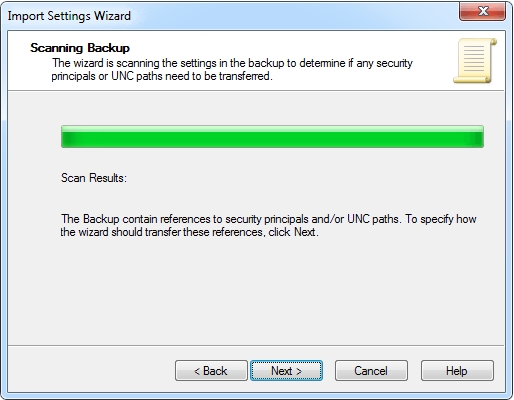
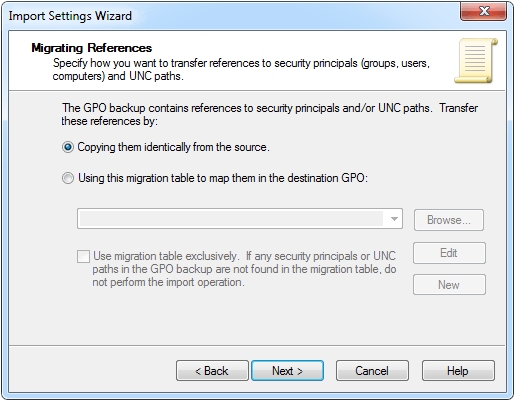
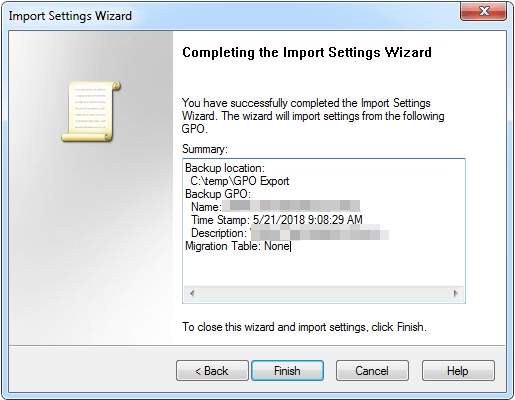
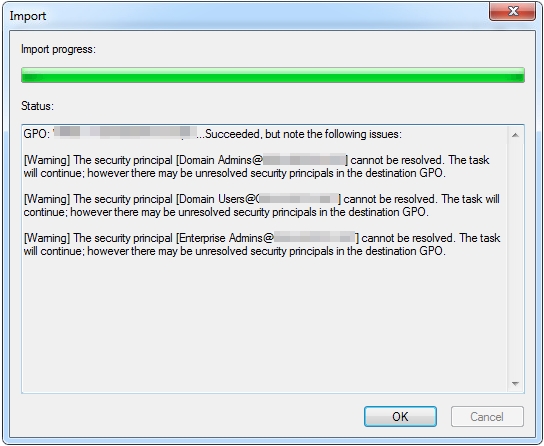
Viola!
 Thomas Cheng
Just plain doesn’t work. MAYBE it would work on the same domain or same domain controller, but, for me, I backed up a couple policies from a 2012 R2 domain controller, tried to copy that backup folder to a different domain – every time “No Backups Found.”
This was tried on three different domain controllers – 2 2019, 1 2012 R2.
Would appreciate any insight on what I might be missing, as it would save a lot of time if it worked.
LikeLike
Worked fine for me providing the original GPO was properly backed up using ‘backup’ and the manifest file is included.
LikeLike